Appearance and features › Appearance sets what your users see. The picker at the top right chooses Entire instance or a domain: a domain can have its own logo and theme; whatever it does not set comes from the instance (Inherited from the instance or Specific to this domain badge, and Revert to inherited).
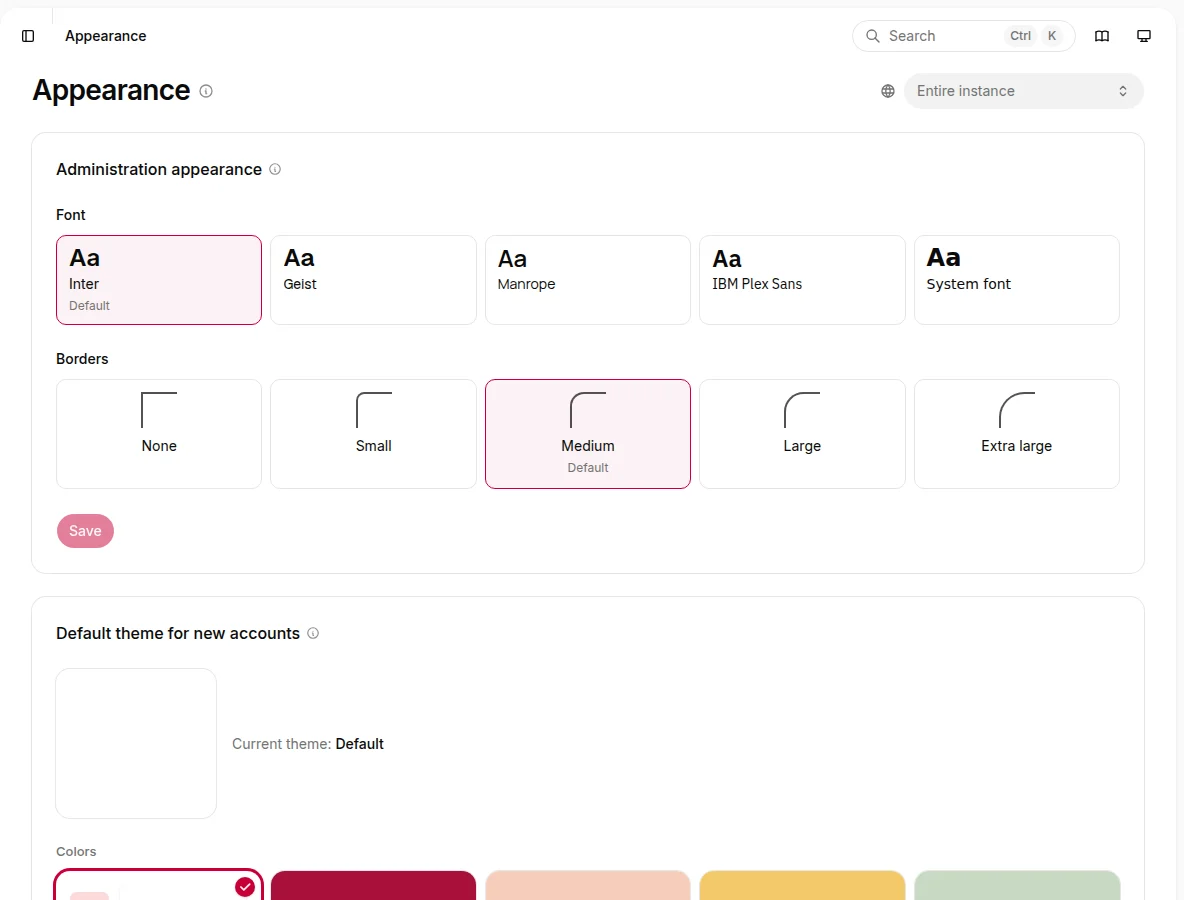
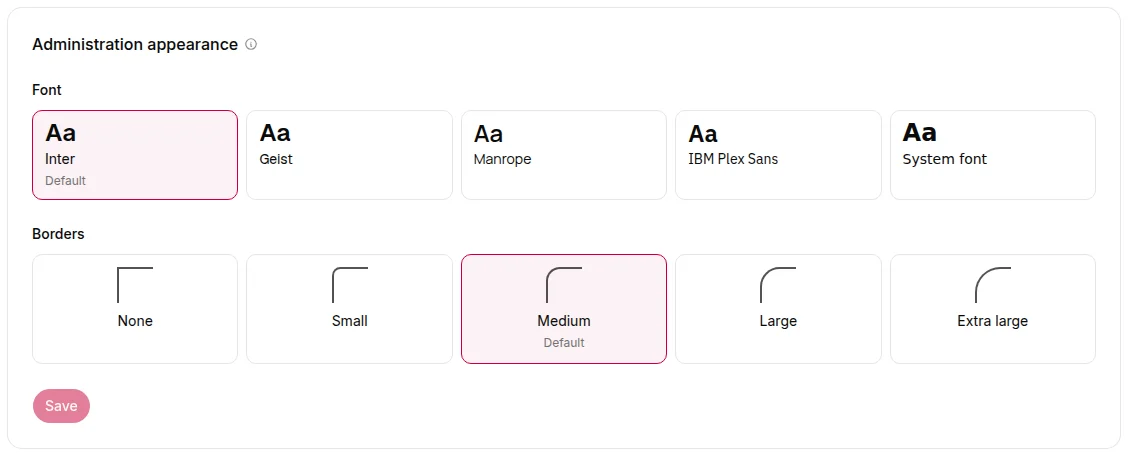
Administration appearance
For the whole instance (super admin), and for all users of the administration; the mailbox is not affected.
- Font: Inter (default), Geist, Manrope, IBM Plex Sans or System font. Fonts are served by Voaaro: no call to an outside service.
- Borders: the rounding of cards, buttons and fields: None, Small, Medium (default), Large, Extra large.
A choice applies straight away as a preview ("Preview: not saved"); Save keeps it, Cancel goes back, Restore the original settings brings back Inter and Medium.
Default theme for new accounts
The mailbox theme applied to every account that has not chosen its own yet (an account that has chosen keeps it):
- a background: Colors, Illustrations or Photos;
- the Accent color (Automatic: taken from the background);
- with an image: Text background, Vignette and Blur;
- the Default display mode (Light, Dark or System), for people who never chose on their device, sign-in screen included.
Save default theme, or Revert to the Voaaro theme.
Logo
Instance logo: a version for light backgrounds and, optionally, a version for dark backgrounds. It is shown in the top bar of the mailbox, on the sign-in screen, in the administration and in the tab icon. SVG (checked: drawing only), PNG or WebP, 256 KB at most.
A domain chosen at the top of the page can have its own logo, and so can an organization (Organization logo and name card, when an organization is chosen): a domain uses its own logo, otherwise its organization's, otherwise the instance's (Organizations).
Default instance language
The language of the sign-in screen and of accounts that have not chosen one: French, English, Spanish, Italian, German, Russian or Chinese. Everyone can change it later in their Settings.