The webmail works without a network, in the browser as in the installed app: you read recent messages, file them and write new ones. Everything is sent when the network is back.
Turn it on
- Sign in with Remember me ticked: otherwise, nothing is kept on the device after the tab is closed.
- Settings › Offline: Enable offline mail (on by default). The setting applies to this device only.
- Choose Messages from the last 7, 30 or 90 days and, if you like, Keep attachments offline (files of 5 MB at most) with the space to reserve for them.
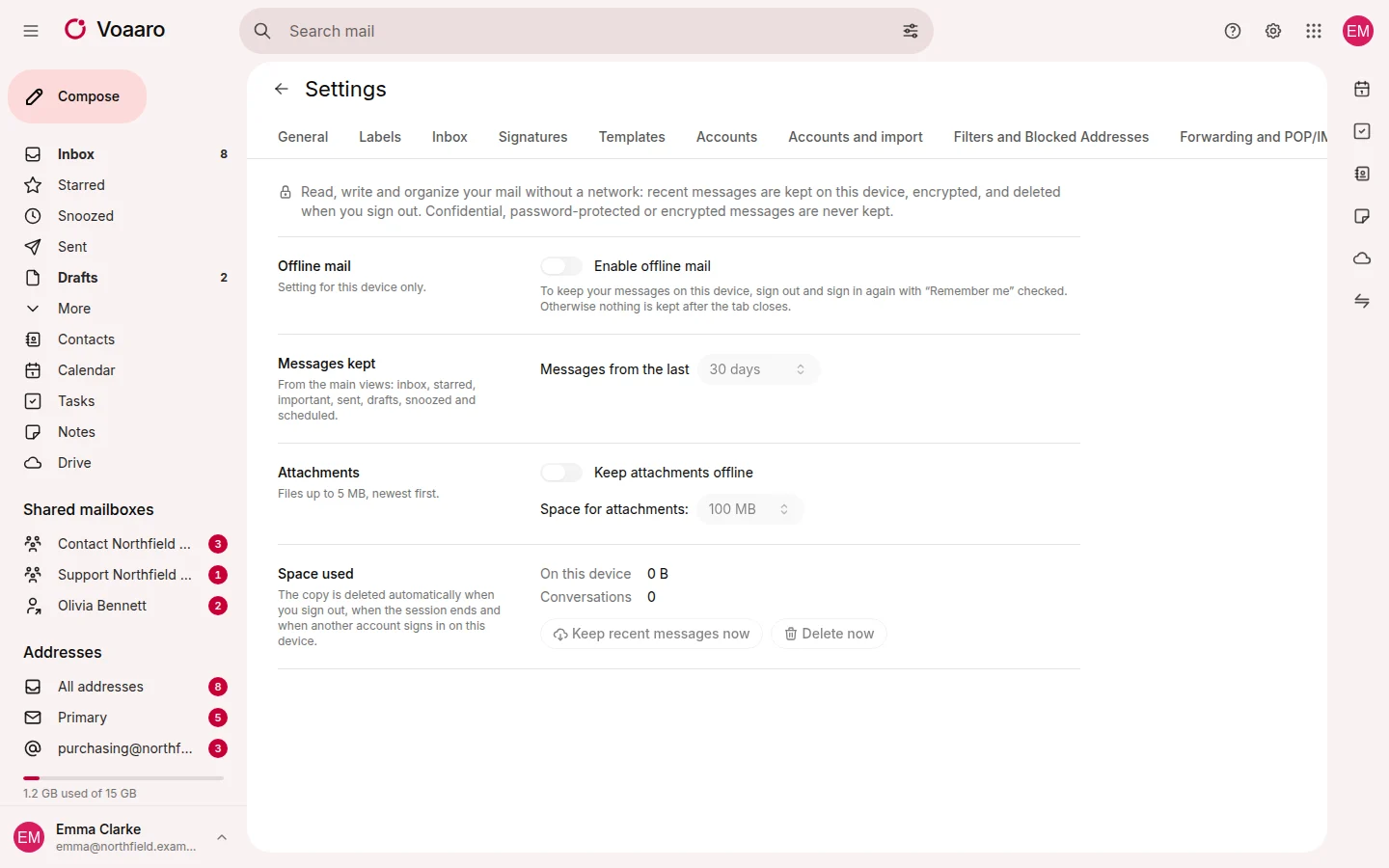
The copy covers the main views of the mailbox shown: inbox (with its tabs), starred, important, sent, drafts, snoozed and scheduled. Keep recent messages now fills it in right away; Delete now removes it. The tab shows the space used and whether the browser granted persistent storage (otherwise it may clear the copy if it runs out of space).
Without a network
- An "Offline" banner shows how many changes are waiting.
- You read the conversations kept and search in the subject, sender and snippet.
- Archive, delete, mark as read, star, label: the change shows on screen right away and waits in a queue.
- A draft is "Saved on this device". Send puts the message in Outbox (sidebar); it goes out on its own when the network is back, in order, only once even with several tabs open.
- Without a network, you can't add new attachments or send a confidential message.
What is never kept
Confidential, password-protected or PGP-encrypted messages, searches and administration are never copied to the device.
Security of the copy
The copy is encrypted in the browser (AES-GCM, with a key tied to your session that cannot be read). It deletes itself when you sign out, when the session ends and when another account opens on this device. On a shared computer, don't tick "Remember me".