Contacts (sidebar or app grid) opens the address book; the address book icon in the side panel shows it next to your messages, so you can write to someone in one click. Your contacts stay on your server and sync with your phone (CardDAV).
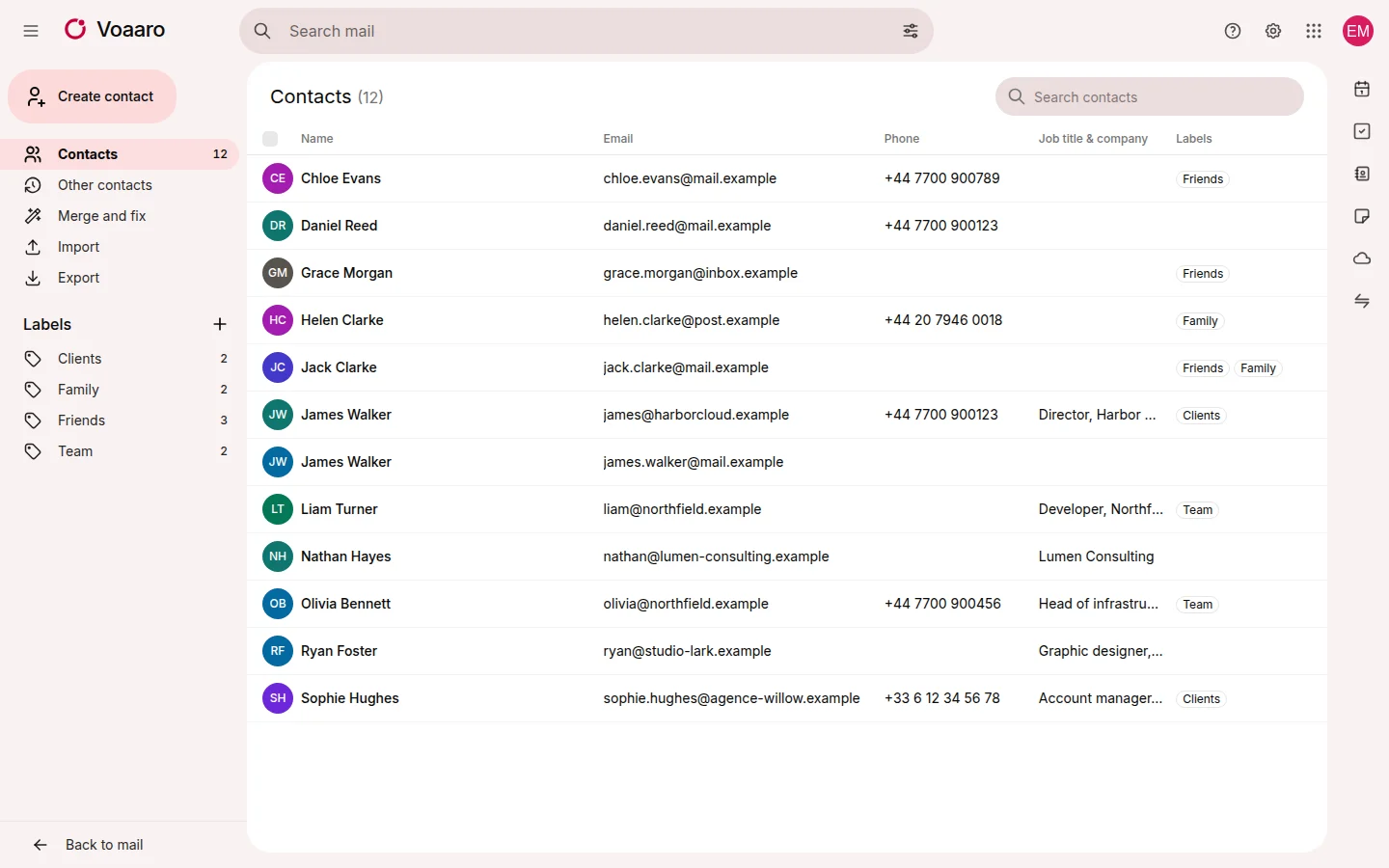
The list
Name, email, phone, job title and company, labels; 50 contacts per page and a Search contacts field. Tick contacts to apply a label, export them or delete them; right-clicking a contact gives the same actions (see Context menus).
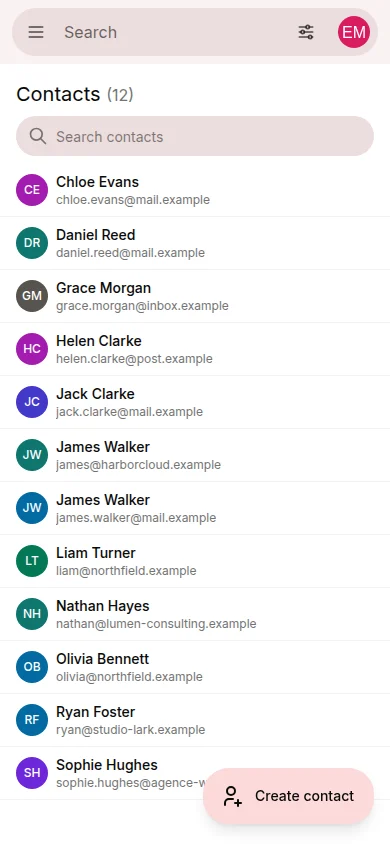
On a phone, the list fills the screen and the floating Create contact button stays at the bottom.
A contact
Create contact: first name, last name (and title, middle name, suffix, nickname), photo, emails, phone numbers, addresses (home, work, other), company, department and job title, website, birthday, notes, labels. In a conversation, hovering over a sender's name shows their contact card or offers Add to contacts.
Labels
Labels group contacts (Clients, Team, Family…): create them in the contacts sidebar, rename or delete them from their menu.
Other contacts
Other contacts lists the people you have written to who are not in your address book; they are suggested as recipients. Add to contacts turns one into a contact; Remove from list forgets them.
Import, export, merge
- Import: a vCard file (
.vcf, 5 MB at most, vCard 3 or 4). A contact that already exists is not duplicated. A CSV file (Gmail, Outlook) is imported through Settings › Accounts and import › Import contacts. - Export: the whole address book, a label or the selection, as vCard.
- Merge and fix: Voaaro spots contacts that share an email address, a phone number or the same name; Merge combines them into one, Merge all handles every group.
On your phone and computer
Settings › Devices › Sync contacts and calendar gives the CardDAV address and the steps for iPhone, Android (DAVx⁵) and Thunderbird. A change made on the phone shows up in Voaaro, and vice versa. See Phone and apps.