Wherever you write an email in Voaaro, you can paste HTML: it shows up formatted, as in the application it came from. The "HTML source" button (</> icon) opens the raw code, to paste or edit, with a live preview.
Where
| Place | "HTML source" button |
|---|---|
| New message, reply, forward | formatting bar at the bottom of the compose window |
| Auto-reply (Settings › General) | formatting bar of the message |
| Signatures (Settings › Signatures), including those of secondary addresses | signature editor, at the bottom of the palette on the left |
| Mail and API templates, footers | template editor, at the bottom of the palette |
| Newsletter templates, campaigns and automations | editor, at the bottom of the palette |
What happens when you paste
- Formatted text (web page, Word, Google Docs, Outlook): it stays editable text, with its bold, italics, lists, links, colours and fonts. Word-processor noise (classes,
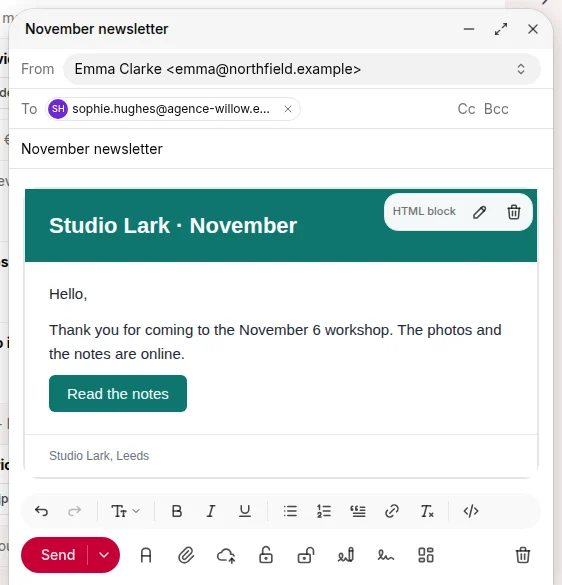
mso-*styles, Office tags) is removed. - Layout (table-based newsletter, signature with logo and columns, coloured blocks): the editor doesn't "fix" it and keeps it as is in an HTML block. The block shows exactly as it will be sent; to change it, hover over it and choose "Edit HTML source", or delete it.
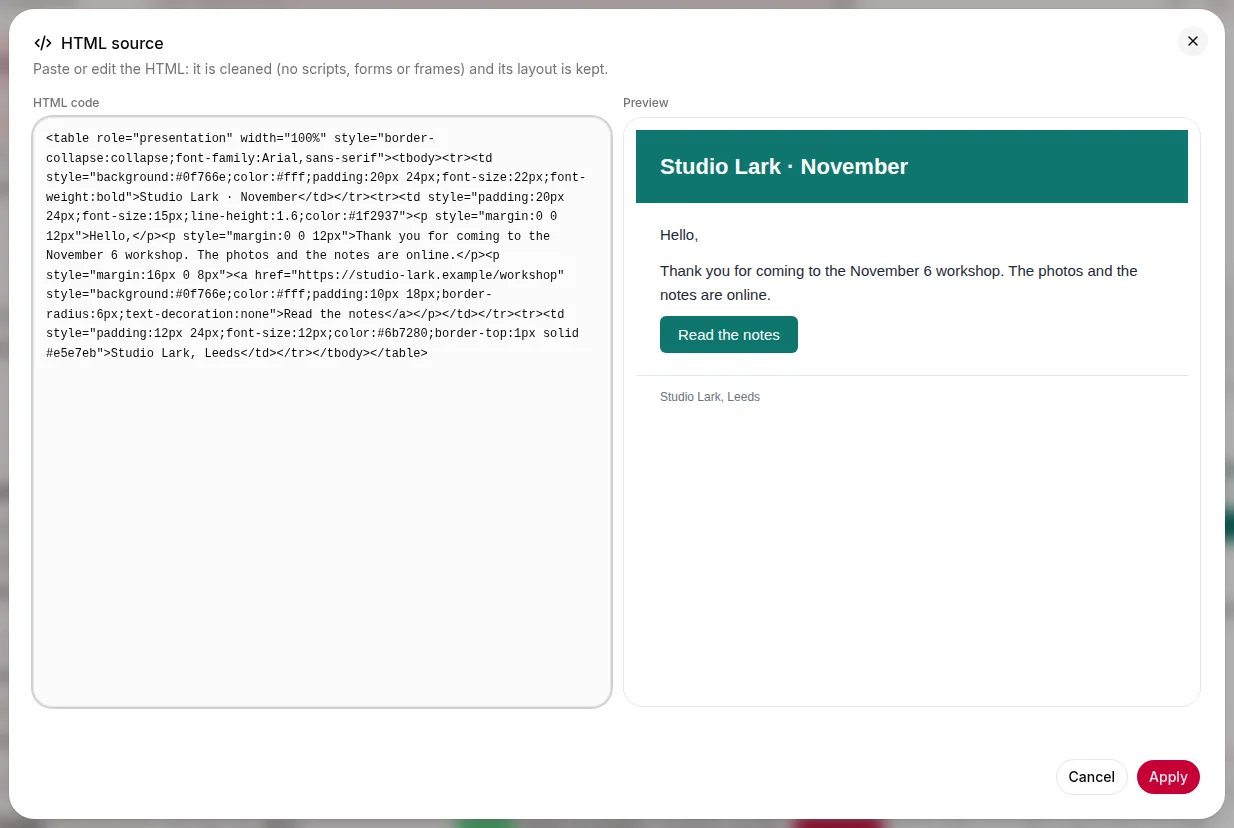
The "HTML source" window
On the left, the code; on the right, the preview, updated as you type. Apply replaces the content, Cancel changes nothing. If cleaning removes something, the window tells you (for example "Removed when cleaning: <script>, onclick").
In the template and newsletter editor, a simple source turns back into editable blocks; a richer layout stays an HTML block, sent as is.
Security: what is removed
HTML is cleaned in your browser, then again by the server before it is saved or sent, whatever wrote it (webmail, assistant, offline queue). Removed:
- scripts, frames (
iframe), embedded objects (object,embed), forms and fields; - event handlers (
onclick,onerror…) andjavascript:ordata:addresses (except images); - dangerous CSS (
expression(),url(javascript:…)),metaredirects, ordinary HTML comments.
Kept: tables, inline styles and style sheets, https: and cid: images, links, Outlook conditional comments and {{ first_name }} variables. The preview is shown in an isolated frame, without scripts.
Plain-text version and size
Every message is also sent as plain text, generated automatically from the HTML. Pasted or source HTML can be 2 MB at most (512 KB for a template, a footer or a signature); beyond that, a message tells you so: remove embedded images (data:) or host them, then try again.